 InSnoop
CapCut vs. Canva for Instagram: How to Make Trending Reels?
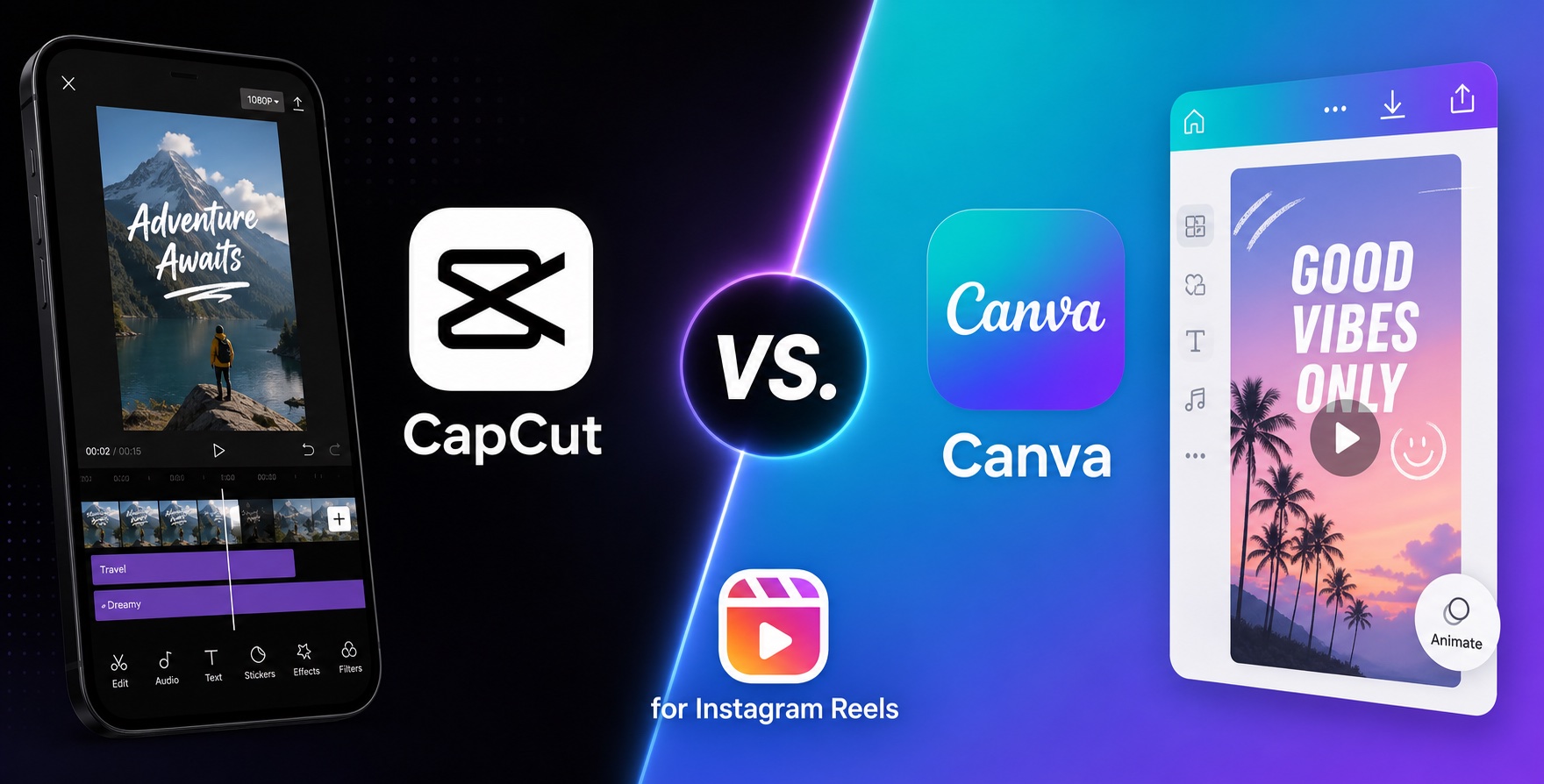
In this guide, we're going to tell you precisely which one works well for what type of content—with results you can measure and verify yourself from Day 1!
Using Instagram on a public WiFi comes with its own set of nuances. Also, what about VPNs? Can Instagram run smoothly over a VPN to view content from other countries? Does Instagram/Meta detect VPN use and penalize it? Why are some VPN services or IP address are blocked while others aren't? How do you fix a blocked VPN IP address? That, and so much more—you might have a ton of questions when it comes to using Instagram securely over public WiFi and VPNs.
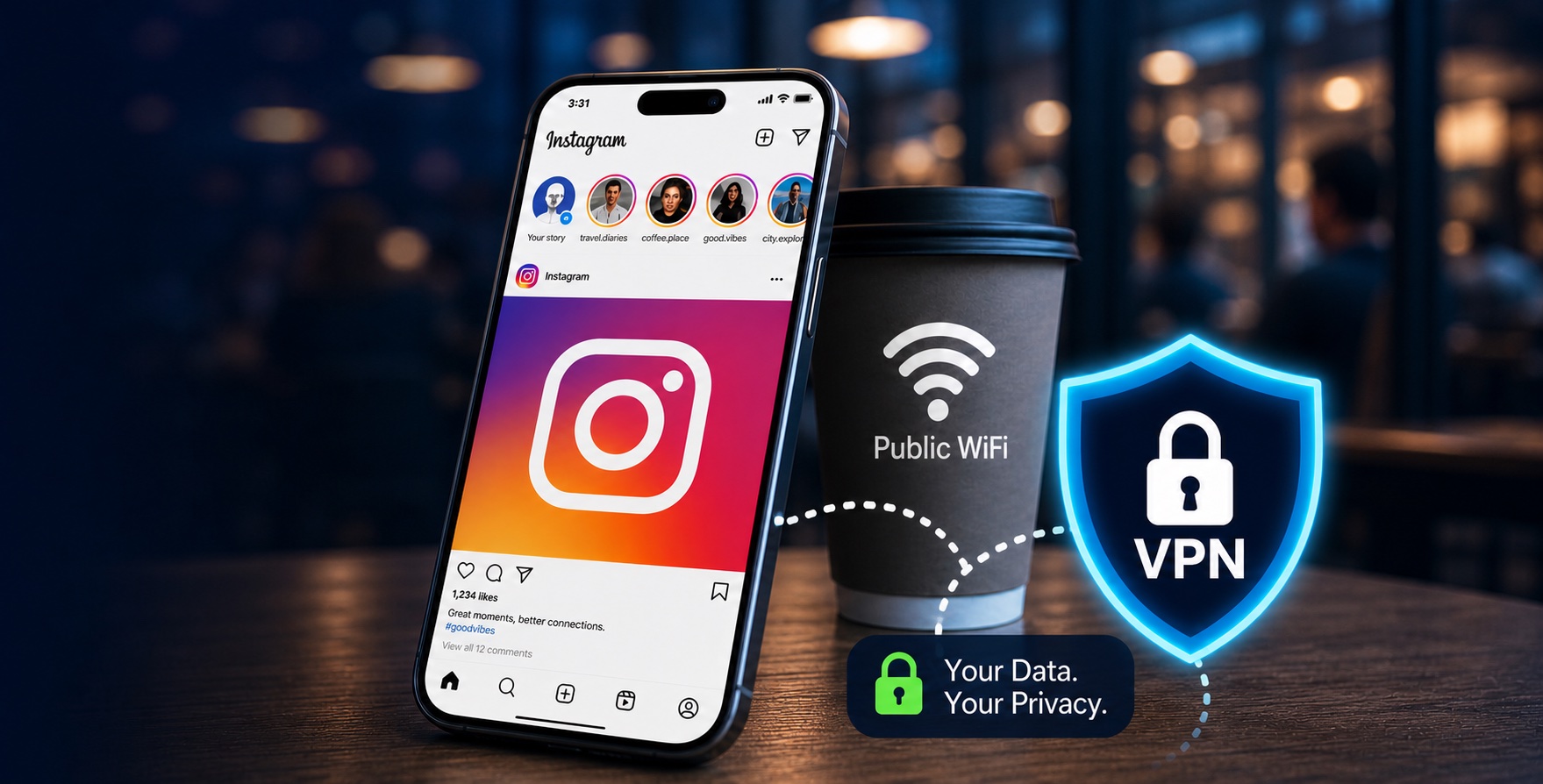
First things first—what about browsing Instagram while connected to a public WiFi? Well, generally speaking, it's safe. But you cannot trust a public WiFi blindly, of course. A lot of distrust for public WiFi comes from horror stories from the 2010s, where these networks could automatically steal your passwords. Truth is, we simply didn't have the same level of protection back then.
Today, most websites and applications come with genuinely strong encryption and other security/privacy measures. The FTC says this: "Because of the widespread use of encryption, connecting through a public Wi-Fi network is usually safe."
That being said, users should be aware of basic precautions. The Instagram-specific risk here is not someone casually reading your Instagram password when you connect to a public WiFi, or even when you login to your Meta account. The real issue is of fake networks, phishing login pages, bad captive portals, device exposure, and account-security triggers.
There are 6 key risks when you're using public WiFi, especially when logging into your Instagram account:
A lot of folks like to use Instagram over a VPN when they're not on their home network. It does offer some protections, but there are larger questions to answer first.
A VPN encrypts the traffic between your device and the VPN's own server. This alone helps protect your activity from anyone who might be trying to snoop on your connection when you're on an unsafe network. It also hides your real public IP. Even the hotspot provider cannot track you anymore.
But a VPN cannot make you anonymous to Instagram. Instagram/Meta can still see the account, device signals, app activity, login behavior, and the VPN exit IP. Also, the risks of phishing pages, shoulder surfing, weak passwords, etc., still exist over VPN.
Now, let's answer three key questions.
Instagram/Meta can likely detect or infer VPN use in most cases. The IP is often linked to a known VPN, proxy, or data center. Instagram knows this because a lot of people use the same IP from different areas. Plus, your device's timezone, language, SIM region, GPS signals, etc., might not line up perfectly. So, yes, for all practical purposes, assume Instagram knows when you're on a VPN.
Some VPNs are better than others. The cheaper or free ones carry a bad reputation. Many bad actors and even hackers rely on these cheap VPN services. IP addresses of such VPNs get blacklisted globally. These tech giants often rely on third-party services that maintain a directory of these. Based on this information or its bad reputation, Instagram often blocks certain VPN IP addresses or VPN services. Also, risk-based login systems often treat anonymous VPN/Tor-style IPs, impossible travel, unfamiliar devices, new countries, and malicious IP reputation as suspicious signals.
Do not cycle through 20 servers like a raccoon at a vending machine! This will only make you look more suspicious. Follow these tips:
In this guide, we're going to tell you precisely which one works well for what type of content—with results you can measure and verify yourself from Day 1!
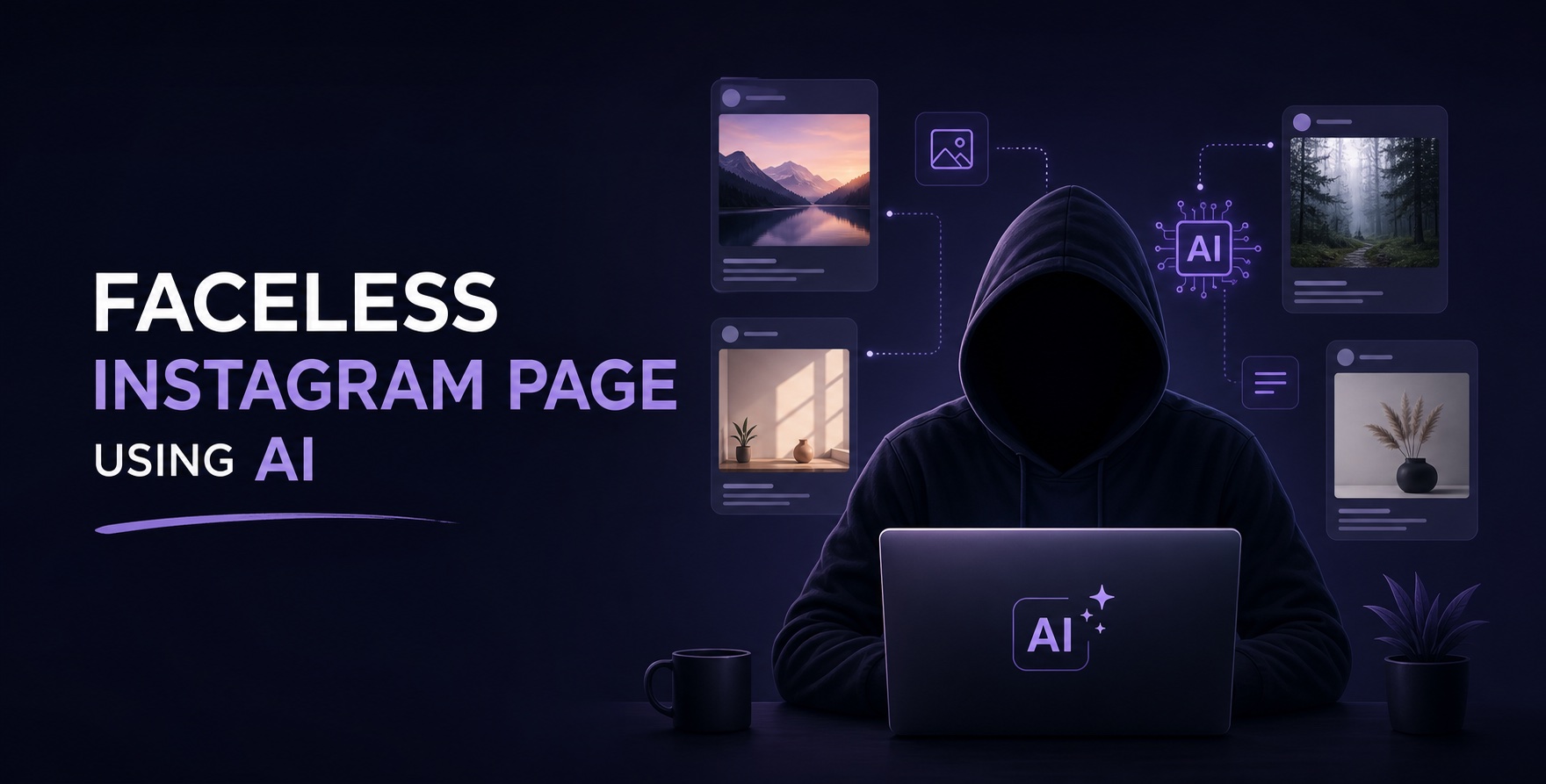
Showing your face in order to be successful on social media is not the only option these days. When you can present your ideas powerfully, you can start earning money as a faceless creator on Instagram in 2026.
While seeing blocked content often stems from innocent curiosity, it's essential to respect others' privacy. We'll explore ways to view someone's stories that are public but you are blocked by them.