While seeing blocked content often stems from innocent curiosity, it's essential to respect others' privacy. We'll explore ways to view someone's stories that are public but you are blocked by them.
How To View Instagram Stories Without Being Seen Your Account
Viewing Instagram stories without the uploader knowing can be useful for a few reasons. You may want to view a friend's story without altering them for personal reasons. Brands may also want to conduct competitor research on Instagram without detection. However, user privacy should be respected. This article will explore ethical ways to view Instagram stories anonymously.
What is Instagram's Story Feature
Instagram launched Stories in August 2016, allowing users to post photos and videos that expire after 24 hours. Unlike regular Instagram posts, Stories disappear from the platform after a day unless the creator adds them to their Highlights for ongoing visibility.
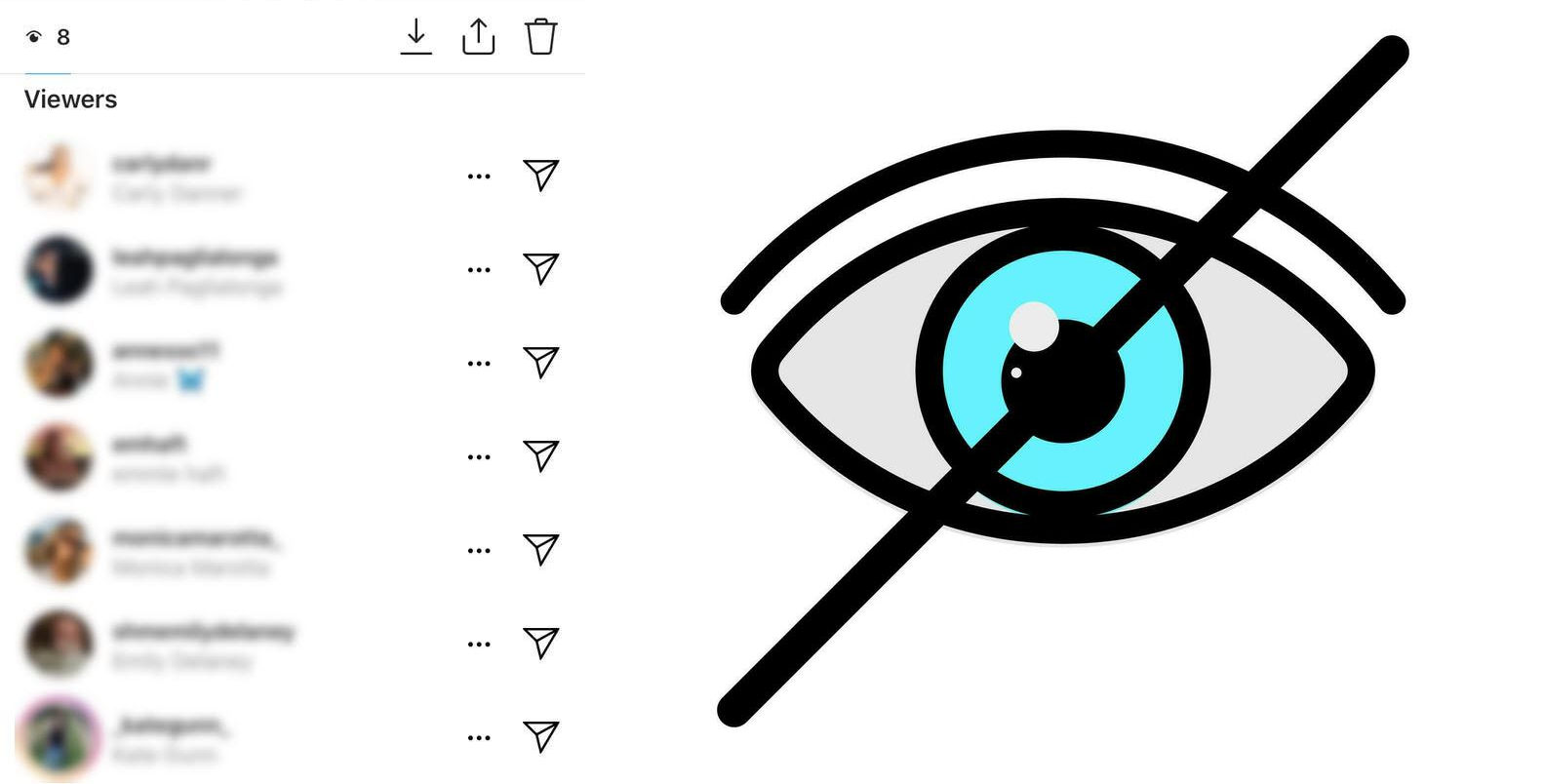
When someone uploads a story they can swipe up while viewing it to see a list of usernames of everyone who has watched their content. This allows creators to see who is engaging with their stories on a granular level. Instagram will display the viewer's username in the seen list to let the owners know who has been watching their stories.
However some creative workarounds do exist that allow people to view Instagram Stories with more privacy or anonymity than the default settings. The methods discussed in this article represent potential options to bypass default visibility rules and view stories more discreetly without detection.

Ethical Factors
Using tricks or technicalities to view others' Instagram content without their knowledge raises reasonable ethical concerns regarding consent and privacy. Before attempting to view stories anonymously using the methods listed here or anywhere else, sincerely reflect on your motivations.
Consider thoughtfully whether you have a legitimate, ethical reason for needing to be anonymous like market research or if it stems more from inappropriate and excessive curiosity about someone else's personal life and content. Their stories are still intended for specific audiences despite workarounds existing.
It's also important to keep in mind the principles of respect, trust and consent when utilizing any anonymity tactics or viewing content discreetly in this way. As the saying goes, "just because you can doesn't always mean you should." Ensure the methods you rely on align with those values as much as possible and do not exploit individual users in unfair ways.
Methods to View Instagram Stories Without Being Seen
1. Create a Secondary Instagram Account
Making a separate Instagram account lets you view stories anonymously. Here's how:
- Sign up for a new account with an alternate email. Don't connect it to personal info.
- Consider using a VPN or different WiFi to register the account from a different IP address. This further conceals the account's identity.
- Use the secondary account solely for anonymous story viewing. Make sure not to follow or interact with primary account connections.
2. Using Airplane Mode
You can preload and view stories offline using Airplane Mode:
- Open Instagram and login normally. Go to the desired story.
- Turn on Airplane Mode before tapping the story to disable internet access. Stories load from cache.
- View the story as normal. When done, close Instagram with Airplane Mode still on.
- Turn off Airplane Mode and reopen Instagram. This prevents view tracking.
Airplane Mode works for cached content but not videos or new Highlights. Timing and speed are important when applying this method.
3. Half-Swipe Technique
Swiping halfway on a story preloads content so you can sneak a peek:
- Navigate to the story posted chronologically before or after the one you want to peek at.
- Lightly swipe halfway onto the other story. Text and images load without opening fully.
- View the minimally preloaded content quickly. Don't actually open the full story.
Half-swiping only reveals small glimpses of content. It works best for still images, not videos. Precise swiping gestures and timing takes practice.
4. Using InSnoop - Anonymous Story Viewing Tools
External tools like InSnoop claim to show stories anonymously. Simply enter a username to view public stories on InSnoop without an account. Useful for viewing multiple accounts easily. However private profiles are respected.
5. Using the 'Close Friends' Feature
If someone adds you to their Close Friends list, viewing their story won't show your username:
- • Close Friends lets creators share more personal, private stories to selected followers only.
- • Being on the list means your views aren't logged visibly. Useful if you want to watch discreetly.
- • However this relies on the story creator proactively adding you themselves. Not in your control.
What Doesn't Work
Some assumed anonymous methods don't actually work:
- • Browser incognito/private modes only hide local browsing activity, not account identities on Instagram itself.
- • Unfollowing or blocking accounts after viewing stories doesn't retroactively remove your view data either.
Conclusion
While Instagram doesn't natively support anonymous story viewing, methods like alternate accounts, airplane mode, half-swiping and InSnoop can bypass view tracking in various ways if used carefully. However, respect user consent and privacy first beyond just satisfying curiosity anonymously.
The key is understanding how Instagram's story system works regarding visibility settings for ethical, informed use. Be responsible interacting on Web 2.0 social platforms—just because technical tricks exist doesn't always mean using them is right. Think critically about your motivations and the implications on others.
Related Posts
We all live in an era of time where viewing stories anonymously has become such an easy task. With hundreds of apps and sites on the internet to help you view their Instagram stories and posts without getting noticed.
The site is a fan page. Insnoop is not connected with Instagram. All content belongs to the content authors. Download is available for informational purposes only.
InSnoop